


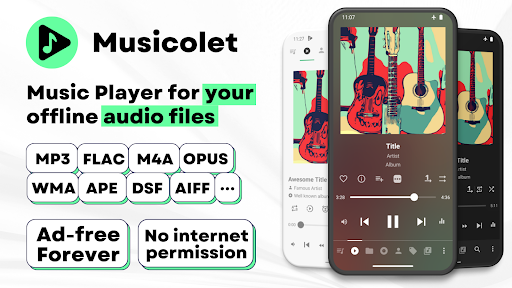
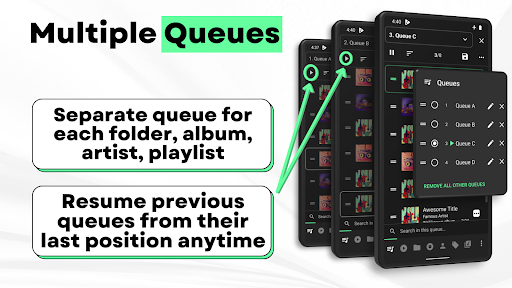
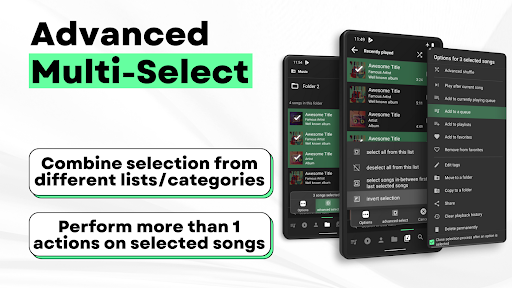
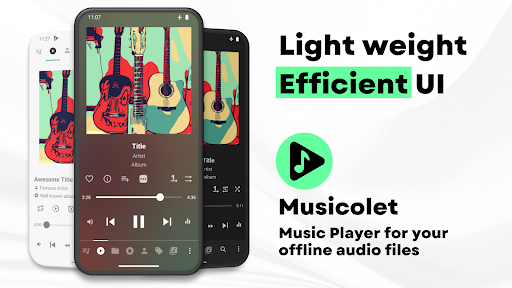
Musicolet Music Player is an app designed for playing audio files stored directly on your device’s internal storage or SD card. It focuses exclusively on local playback, meaning it does not support streaming, downloading, or searching for new music online. The app provides robust organization tools for your existing library, including a unique system of multiple queues that can be maintained separately for each folder, album, artist, or playlist, allowing you to resume them from their last position at any time. It supports a wide range of audio formats, including mp3, m4a, wma, flac, opus, aac, alac, ape, and dsf.
Local File Management and Organization
Musicolet allows users to manage their local music files directly within the app. You can move or copy songs and rename folders without leaving the application. For browsing your library, the app offers two types of folder structures: a linear view that shows all folders at once, and a hierarchical view that displays folders within folders. This flexibility in navigation helps in locating specific audio content efficiently.
Advanced Audio Controls and Customization
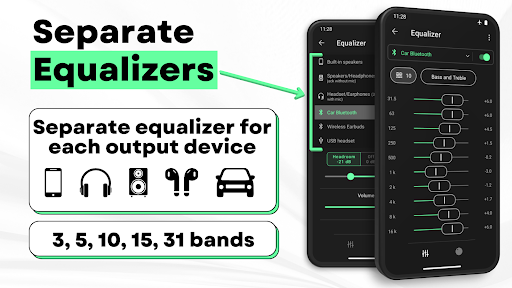
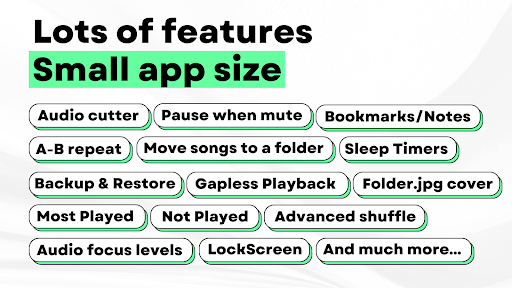
The app includes a powerful equalizer with separate presets and settings that can be configured for different output devices, such as speakers, headphones, and Bluetooth connections. This allows for tailored sound experiences depending on how you are listening. Additionally, Musicolet supports gapless playback for a smooth listening experience between tracks. Earphone controls are integrated, allowing a single click to pause/play, a double click for the next song, a triple click for the previous song, and four or more presses to fast-forward through a track.
Metadata and Lyrics Features
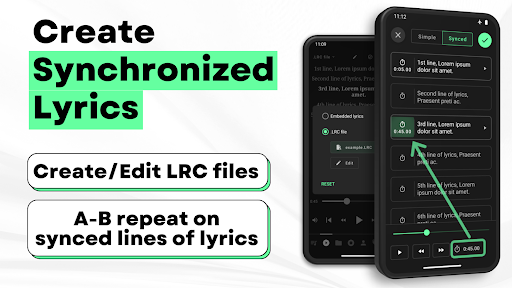
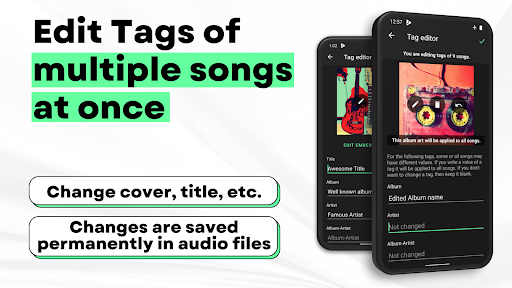
Musicolet features a Tag editor+ that enables users to edit tags and album art for multiple songs simultaneously. For lyrics, it supports both embedded lyrics stored as ID3 tags within audio files and external .lrc files for synchronized lyrics. While the app does not automatically fetch lyrics from the internet, you can manually write or paste lyrics into the tag editor if none are embedded. Similarly, for .lrc files, you must manually find the file online, place it in the same folder as the audio file, and rename it to precisely match the audio file’s name for synchronized display. You can also create your own synchronized lyrics within the app.
Integration and Accessibility
The app offers several features to enhance accessibility and integration with other device functions. It supports Android Auto, allowing you to control music and access your playlists, queues, folders, and entire music library from your car’s enabled display. For quick access, you can add shortcuts of any album, artist, folder, or playlist directly to your device’s home screen. The app also provides stunning widgets and a lock screen interface that includes controls, the current queue, and lyrics display. Additionally, Musicolet offers light and dark themes and provides both automatic and manual backup and restore options for settings, playlists, and play-counts.






Write a review